
A buyer who lands on a vehicle page in a language they do not read does not ask for a translation. They leave, and you never find out they were there.
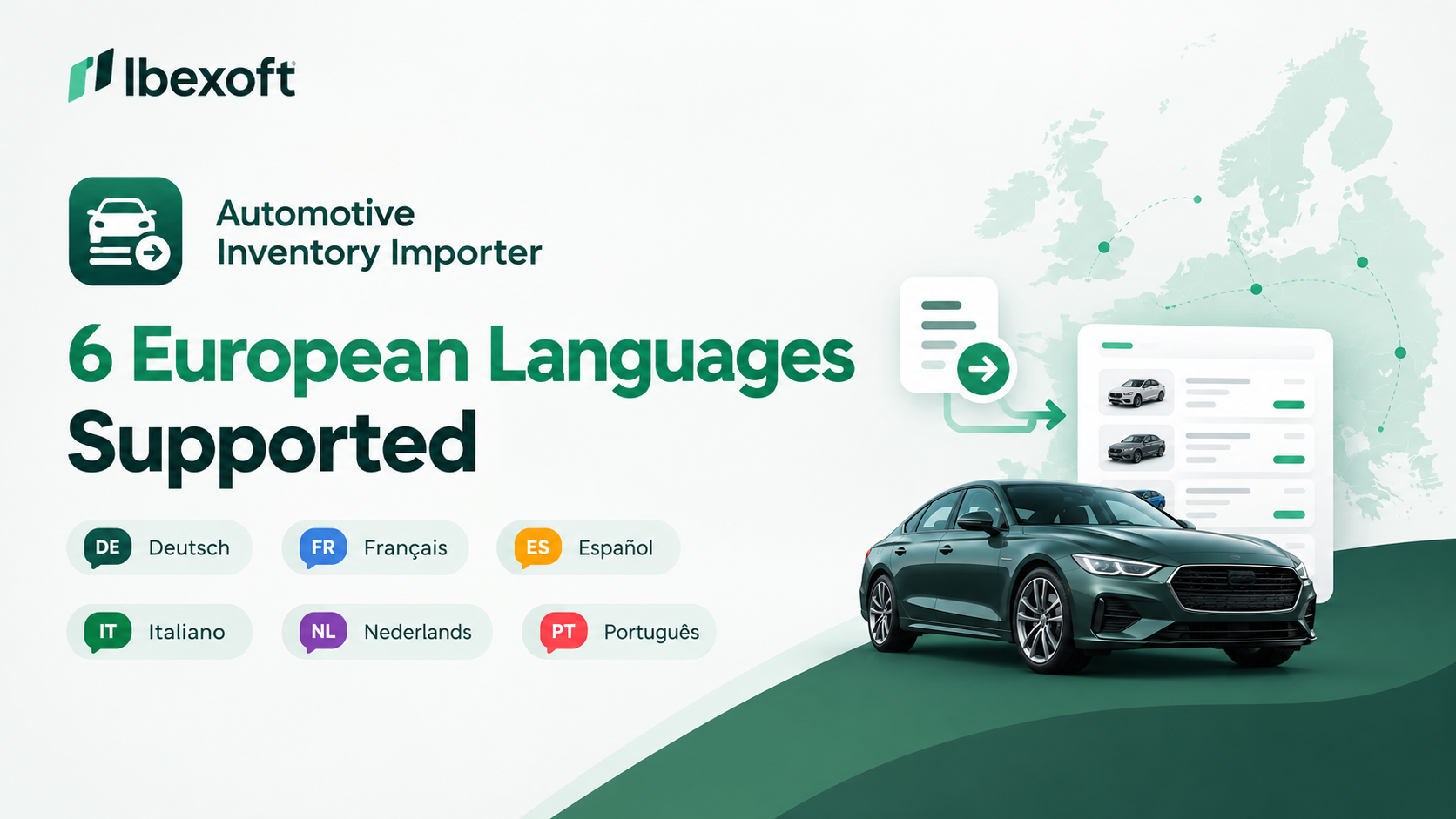
Automotive Inventory Importer version 3.1 is now live on WordPress.org with complete translations in six languages. Set your WordPress site language once, and both the plugin’s admin screens and the vehicle listings your customers see display in that language automatically. There is no separate translation plugin to buy, no language files to upload, and no configuration beyond the setting you already have.
The six languages included
| Language | Locale code | WordPress site language setting | Register |
|---|---|---|---|
| Italian | it_IT | Italiano | Standard business Italian |
| German | de_DE | Deutsch | Formal (Sie), works with both the formal and informal settings |
| Spanish | es_ES | Español | Polite (usted) |
| French | fr_FR | Français | Standard business French |
| Dutch | nl_NL | Nederlands | Formal (u), works with both the formal and informal settings |
| Brazilian Portuguese | pt_BR | Português do Brasil | Polite (você) |
All six translations are included in the free version and in Pro. They are complete, not partial: every admin label, button, notice, settings tab, import message, search and filter control, and specification table heading is translated.
What is translated, and what is not
| Element | Translated | Notes |
|---|---|---|
| Plugin admin settings and tabs | Yes | Follows your WordPress site language |
| Import notices and log messages | Yes | Including error and success messages |
| Vehicle listing and detail pages | Yes | Labels, buttons, specification headings, search and filter controls |
| Search and filter interface | Yes | Visible to your customers |
| Vehicle data from your feed | No | Make, model, trim, colour and descriptions are stored exactly as your DMS exports them |
That last row is deliberate. Your inventory data is your dealership’s record of what is on the lot. The plugin never rewrites it, translates it, or interprets it. Only the interface around it changes language.
Why the customer-facing side matters more than the admin side
Most plugin translations stop at the admin screen, because that is the part the developer sees. It is also the part your customers never see.
Automotive Inventory Importer translates both. When a buyer in Milan, Munich, Madrid, Lyon, Rotterdam or São Paulo opens one of your vehicle pages, the specification table headings, the search filters, the gallery controls and the enquiry labels are all in their language. That is the surface that decides whether they browse your inventory or close the tab.
How to switch language
- Update Automotive Inventory Importer to version 3.1.0 or later from Plugins in your WordPress admin.
- Go to Settings, then General.
- Set Site Language to Italiano, Deutsch, Español, Français, Nederlands or Português do Brasil.
- Save changes.
- Open Automotive Sync in your admin menu. The settings screens are now in that language.
- Visit your public vehicle listing page. The labels, filters and specification headings are in that language too.
Individual administrators can also set a personal language under Users, then Profile, without changing the language your customers see.
If your language is not on the list
The plugin is fully translation-ready, which means every interface string is available for translation. Anyone can contribute or improve a translation for the free version through the WordPress.org community at translate.wordpress.org.
If you need a language that is not yet available, contact us and tell us which one. Requests from dealers and agencies decide what gets built next.
Frequently asked questions
Which languages does Automotive Inventory Importer support? Version 3.1 includes complete Italian, German, Spanish, French, Dutch and Brazilian Portuguese translations. English is the default. The plugin is translation-ready for any other language.
Do I need a separate translation plugin? No. The plugin follows your WordPress site language setting directly.
Will my vehicle data be translated? No. Data imported from your XML or CSV feed is stored and displayed exactly as your DMS exports it.
Are the customer-facing pages translated, or only the admin? Both. Admin settings and the public vehicle listing, detail, search and filter pages all display in your site language.
Does the German translation use the formal or informal address? German uses the formal Sie, and Dutch uses the formal u, matching how dealers address customers in those markets. Both work whether your site language is set to the formal or informal variant.
Which version do I need? Version 3.1.0 or later. The translations are included in the free version.
Get it
Automotive Inventory Importer syncs your vehicle inventory from any XML or CSV feed into WordPress, with no DMS lock-in, no theme lock-in and now no language lock-in.